Physical Address
304 North Cardinal St.
Dorchester Center, MA 02124
Physical Address
304 North Cardinal St.
Dorchester Center, MA 02124
In today’s digital landscape, the average family juggles dozens of online accounts across banking, shopping, streaming services, social media, and more. Each account requires a unique, strong password to maintain security, but let’s be honest—remembering 50+ complex passwords is practically impossible. This is where password managers become absolute game-changers for families looking to strengthen their digital security without losing their sanity.
Password managers are sophisticated tools that generate, store, and automatically fill in your login credentials across all your devices and browsers. Think of them as ultra-secure digital vaults that only require you to remember one master password while keeping all your other passwords safe, unique, and virtually uncrackable. For families, they offer the additional benefit of secure password sharing and centralized security management.
The statistics are sobering: 81% of data breaches involve weak or stolen passwords, and the average person reuses passwords across multiple accounts. By implementing a family password manager, you’re not just protecting individual accounts—you’re creating a comprehensive security strategy that shields your entire family’s digital life from cyber threats.
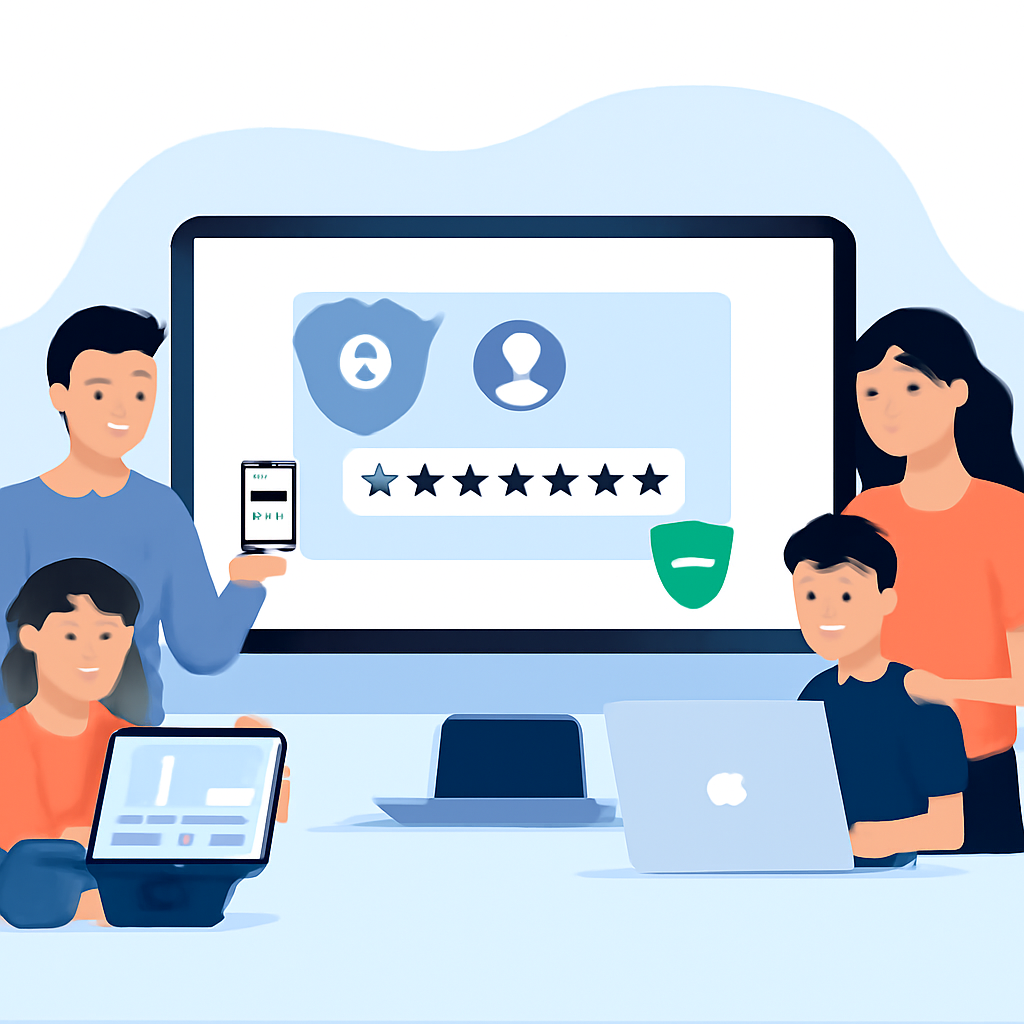
Modern families face unique cybersecurity challenges that make password managers essential rather than optional. With children using devices for school, parents managing work accounts, and everyone sharing streaming services, the complexity of password management grows exponentially.
Consider the typical digital footprint of a family of four: between 150-300 unique online accounts spanning banking, healthcare, education, entertainment, and social platforms. Without a password manager, families typically resort to dangerous practices like:
Password managers eliminate these risks by generating unique, complex passwords for every account while making them effortlessly accessible to authorized family members. They also provide secure sharing mechanisms for joint accounts like Netflix, Amazon Prime, or family banking services.
1Password stands out as one of the most user-friendly options for families, offering robust security with an intuitive interface. Their family plan supports up to five users and includes features like watchtower breach monitoring, secure document storage, and travel mode for international trips.
Key features include:
Bitwarden offers exceptional value with their open-source approach and comprehensive family features. Their premium family plan supports six users and provides enterprise-level security at consumer prices.
Notable benefits:
Dashlane excels in user experience and includes built-in VPN services with their premium plans. Their family option covers six users and provides comprehensive security monitoring.
Standout features:
Before diving into setup, evaluate your family’s specific needs. Consider factors like the number of users, technical comfort levels, budget constraints, and specific features that matter most to your household. Most password managers offer free trials, so test 2-3 options before making your final decision.
Your master password is the most critical element of your password manager setup. It should be:
Consider using a passphrase method: combine 4-5 random words with numbers and symbols. For example: “Coffee$Mountain#Piano9&Book” is both secure and memorable.
Once you’ve selected your password manager and created your master password, begin the setup process:
Successfully onboarding family members requires patience and clear communication. Start with the most tech-savvy family members and have them help guide others through the process.
For each family member:
The migration process can seem overwhelming, but most password managers make it straightforward with built-in import tools and browser detection features.
Most password managers can automatically detect and import passwords from:
For accounts not automatically detected, adopt a gradual approach:
Password managers offer multiple sharing options, each with specific use cases:
Maintaining optimal security requires ongoing attention:
When traveling, especially internationally, consider these security measures:
Family members might resist using password managers due to complexity concerns or habit inertia. Address this by:
When passwords don’t sync properly across devices:
As technology evolves, so do security threats and solutions. Stay ahead by:
Implementing a family password manager might seem like a significant undertaking initially, but the long-term security benefits and daily convenience make it one of the most valuable technology investments you can make. By following this comprehensive guide, you’re not just protecting passwords—you’re creating a robust digital security foundation that will serve your family for years to come.
Remember that cybersecurity is an ongoing process, not a one-time setup. Regular maintenance, family education, and staying informed about new threats and features will ensure your password manager continues to provide optimal protection for your family’s digital life.