Physical Address
304 North Cardinal St.
Dorchester Center, MA 02124
Physical Address
304 North Cardinal St.
Dorchester Center, MA 02124
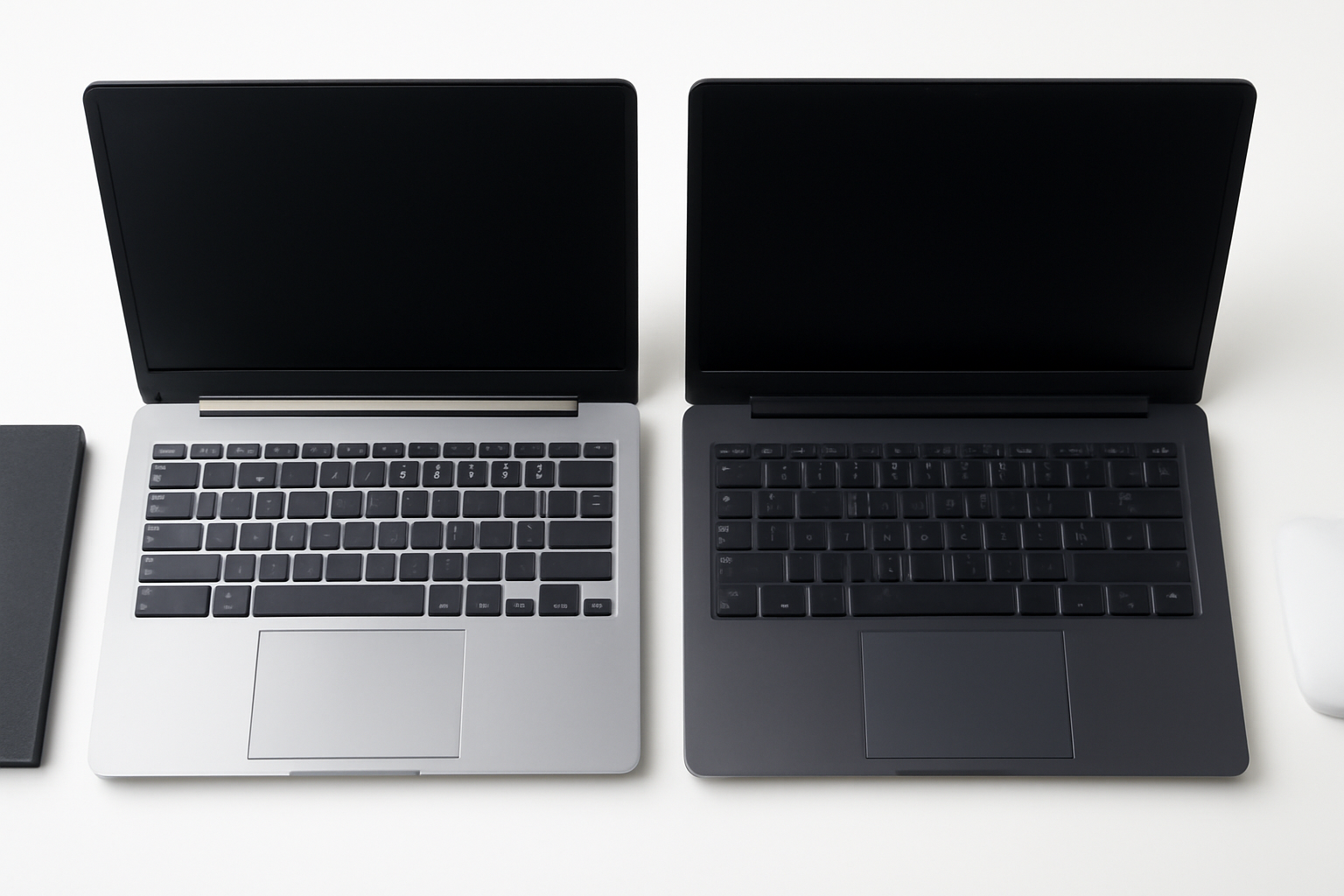
The eternal debate between Chromebooks and Windows laptops continues to divide consumers, and for good reason. Both platforms offer distinct advantages that cater to different user needs, budgets, and computing preferences. Whether you’re a student looking for an affordable machine for schoolwork, a professional needing robust software capabilities, or someone who simply wants a reliable device for everyday tasks, choosing between these two options can be challenging.
In recent years, Chromebooks have surged in popularity, particularly in educational settings and among users who primarily work online. Meanwhile, Windows laptops maintain their stronghold in professional environments and among users who require powerful desktop applications. The gap between these platforms has narrowed significantly, with Chrome OS becoming more feature-rich and Windows laptops becoming more affordable and energy-efficient.
Understanding the fundamental differences between these platforms is crucial for making an informed decision. From operating systems and software compatibility to hardware specifications and pricing, each platform has its unique strengths and limitations that could make or break your computing experience.
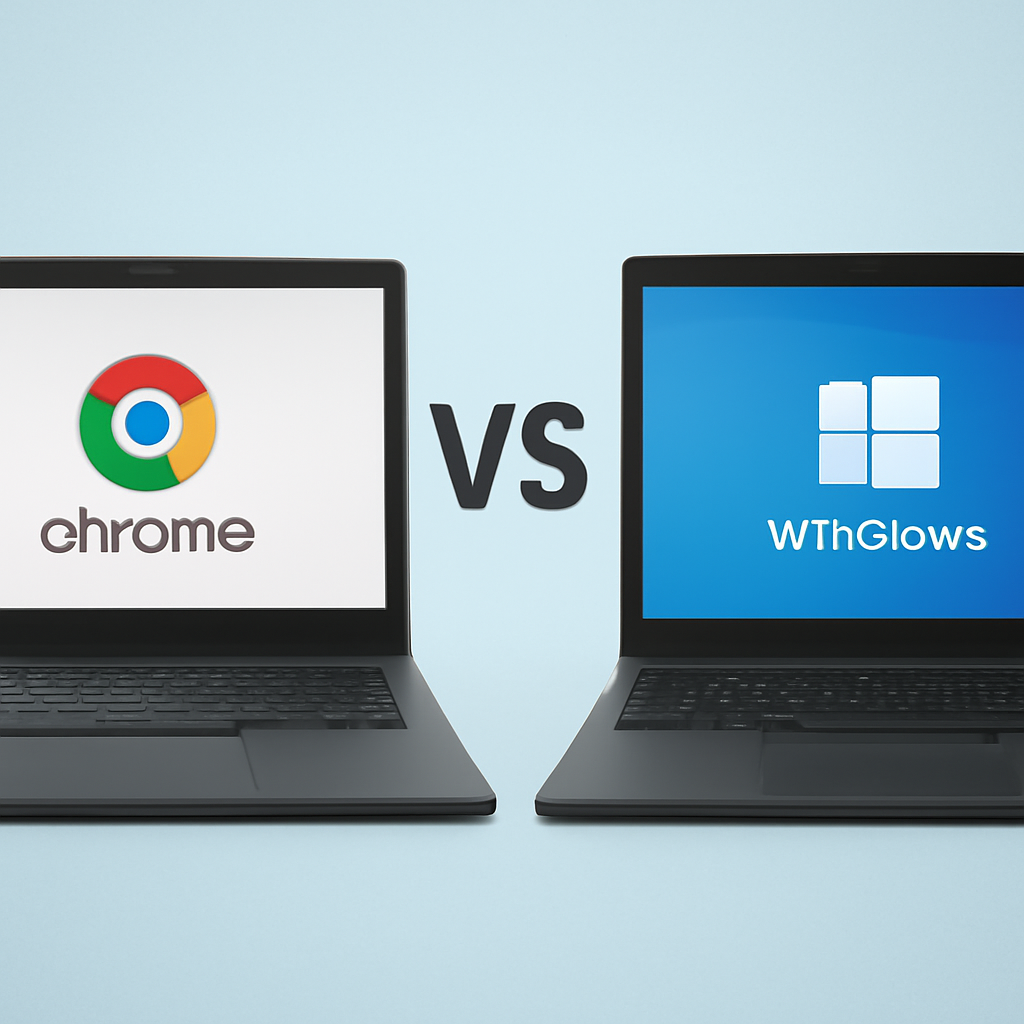
The most fundamental distinction between Chromebooks and Windows laptops lies in their operating systems. Chrome OS, developed by Google, is a lightweight, Linux-based system designed around the Chrome browser and cloud computing. It’s optimized for web applications, Android apps, and increasingly, Linux applications through its built-in compatibility layer.
Windows, Microsoft’s flagship operating system, offers a full desktop computing experience with support for traditional desktop applications, extensive customization options, and compatibility with a vast ecosystem of software and hardware. Windows 11, the latest version, brings modern features while maintaining backward compatibility with older programs.
When it comes to hardware, both platforms span a wide range of specifications, but their optimization differs significantly. Chromebooks typically feature more modest specifications because Chrome OS is designed to be lightweight and efficient. You’ll commonly find Chromebooks with Intel Celeron or AMD processors, 4-8GB of RAM, and 32-128GB of storage.
Windows laptops offer a broader spectrum of hardware options, from budget models with similar specs to Chromebooks to high-end gaming and workstation laptops with powerful processors, 16-32GB+ of RAM, and terabytes of storage. This flexibility allows Windows laptops to handle everything from basic web browsing to intensive video editing and 3D rendering.
Despite lower-end hardware, Chromebooks often feel snappier than comparably-specced Windows laptops for basic tasks. Chrome OS’s lightweight nature means it requires fewer system resources, resulting in faster boot times, quicker app launches, and longer battery life. However, this performance advantage disappears when running demanding applications or multitasking heavily.
Windows laptops with higher-end specifications excel at resource-intensive tasks like video editing, 3D modeling, programming with multiple IDEs, and running virtual machines. The ability to utilize more RAM and processing power makes Windows laptops more suitable for professional workloads and creative tasks.
The software ecosystem represents perhaps the most critical factor in choosing between these platforms. Your decision should heavily depend on the applications you need to run and how you prefer to work.
Chromebooks primarily rely on web applications, which have become increasingly sophisticated. Google Workspace (Docs, Sheets, Slides) provides robust office productivity, while web versions of popular applications like Photoshop, Canva, and various development tools offer cloud-based alternatives to desktop software.
The Google Play Store integration allows Chromebooks to run Android applications, significantly expanding their software library. Additionally, Linux application support (through Crostini) enables developers and power users to run traditional Linux applications, including development tools, image editors like GIMP, and other open-source software.
Windows maintains the largest software ecosystem of any desktop operating system. From the Microsoft Store’s modern apps to traditional desktop applications, Windows users have access to virtually any software ever created for the platform. This includes professional-grade applications like Adobe Creative Cloud, Microsoft Office (desktop versions), AutoCAD, specialized industry software, and an enormous library of games.
The Windows Subsystem for Linux (WSL) also allows developers to run Linux applications alongside Windows programs, providing flexibility for development workflows.
Budget considerations often play a decisive role in laptop purchases, and both platforms offer options across different price ranges, though with different value propositions.
Chromebooks typically offer excellent value for money, with decent models available for $300-600. These devices provide solid build quality, good displays, and adequate performance for web-based tasks and light productivity work. Premium Chromebooks, like the Google Pixelbook series or ASUS Chromebook Flip, can cost $800-1200 but offer superior build quality, better displays, and enhanced performance.
Windows laptops span a much broader price range. Budget models start around $400-500 but often compromise on build quality, display, or performance. Mid-range Windows laptops ($600-1000) typically offer good all-around performance, while premium models ($1000+) provide excellent build quality, powerful specifications, and advanced features.
When comparing value, consider the total cost of ownership, including software purchases. Chromebooks often have lower ongoing costs since many applications are web-based or free, while Windows users might need to purchase expensive software licenses.
Considering the long-term viability of your investment is crucial when choosing between platforms. Chromebooks receive automatic updates for approximately 8 years from their release date, ensuring security and feature updates throughout their lifecycle. However, their hardware limitations might become more apparent over time as web applications become more demanding.
Windows laptops, particularly those with higher-end specifications, often remain viable for longer periods. The ability to upgrade storage, RAM (in some models), and reinstall the operating system can extend their useful life. However, Windows laptops require more active maintenance, including security updates, driver management, and periodic cleanup to maintain optimal performance.
The choice between a Chromebook and Windows laptop ultimately depends on your specific needs, budget, and computing preferences. If your work revolves around web applications, you value simplicity and security, and you’re working within a budget, a Chromebook offers excellent value and user experience.
However, if you need powerful hardware, specific desktop applications, extensive customization options, or plan to use your laptop for gaming or professional creative work, a Windows laptop remains the better choice despite potentially higher costs and maintenance requirements.
Consider starting by listing the specific applications you need, your budget constraints, and your technical comfort level. This exercise will likely point you toward the platform that best matches your requirements. Remember, both platforms continue to evolve, with Chromebooks becoming more capable and Windows becoming more efficient, so either choice can serve you well for years to come.